You need to add a payment method to your WhatsApp Business Account in Meta to start sending messages.
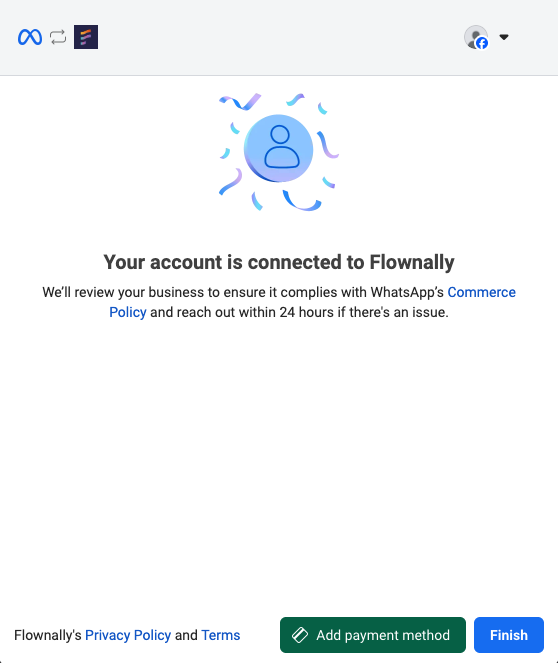
At the end of the embedded registration form for adding a number, click the Add payment button, or go to the WhatsApp Accounts tab in your Meta Business Portfolio.
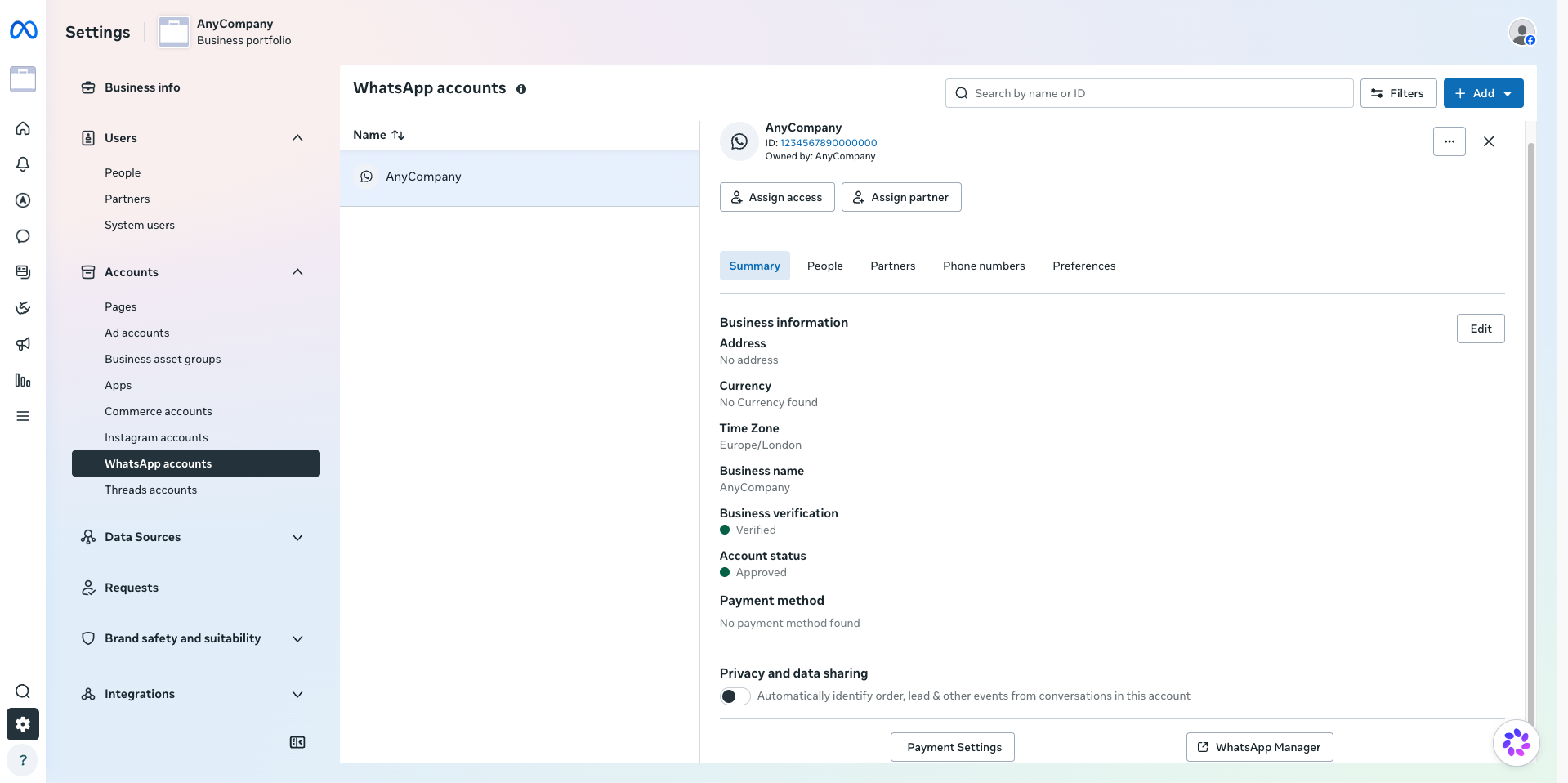
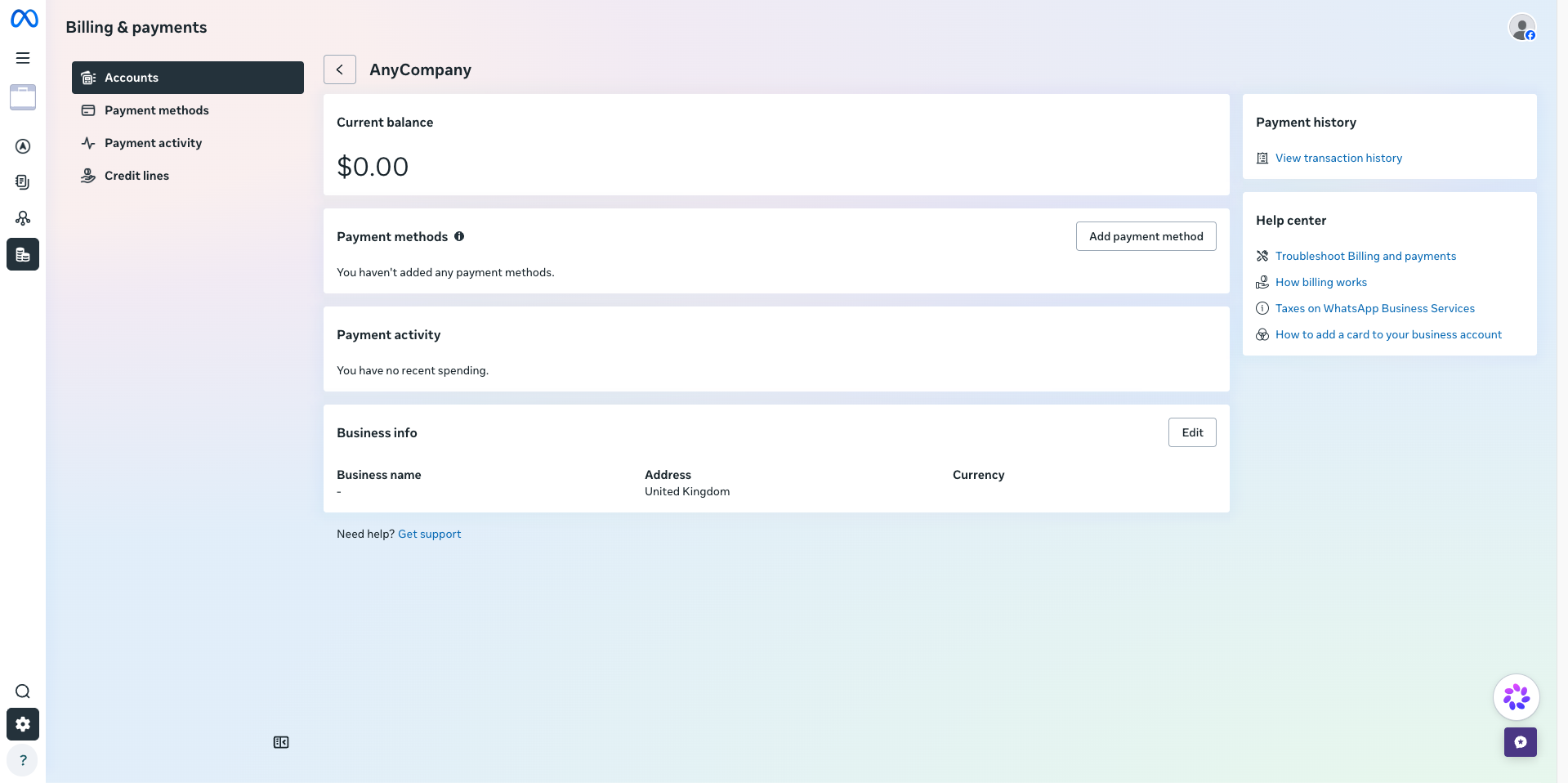
Click on the WhatsApp Business account with your number. Then go to the Summary section and click on the Payment Settings button. In the Billing & payment window, click on the Add payment method button.
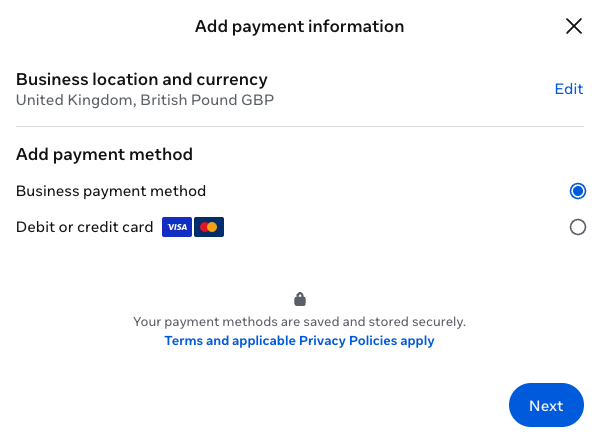
If there's no payment information added, you need to fill in the necessary information.
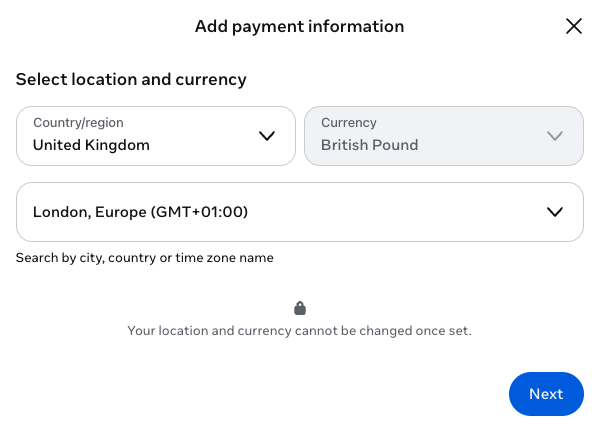
Choose one of the options:
-
Business payment method, if you already have a payment method added in your Meta Business Portfolio.
-
Debit or credit card, if you want to add a new payment method.